

Business cards and flyers ready for print — made on your phone
Pick a template for your trade, add your details and in minutes get a PDF with bleed and crop marks.
Free · no account · works offline
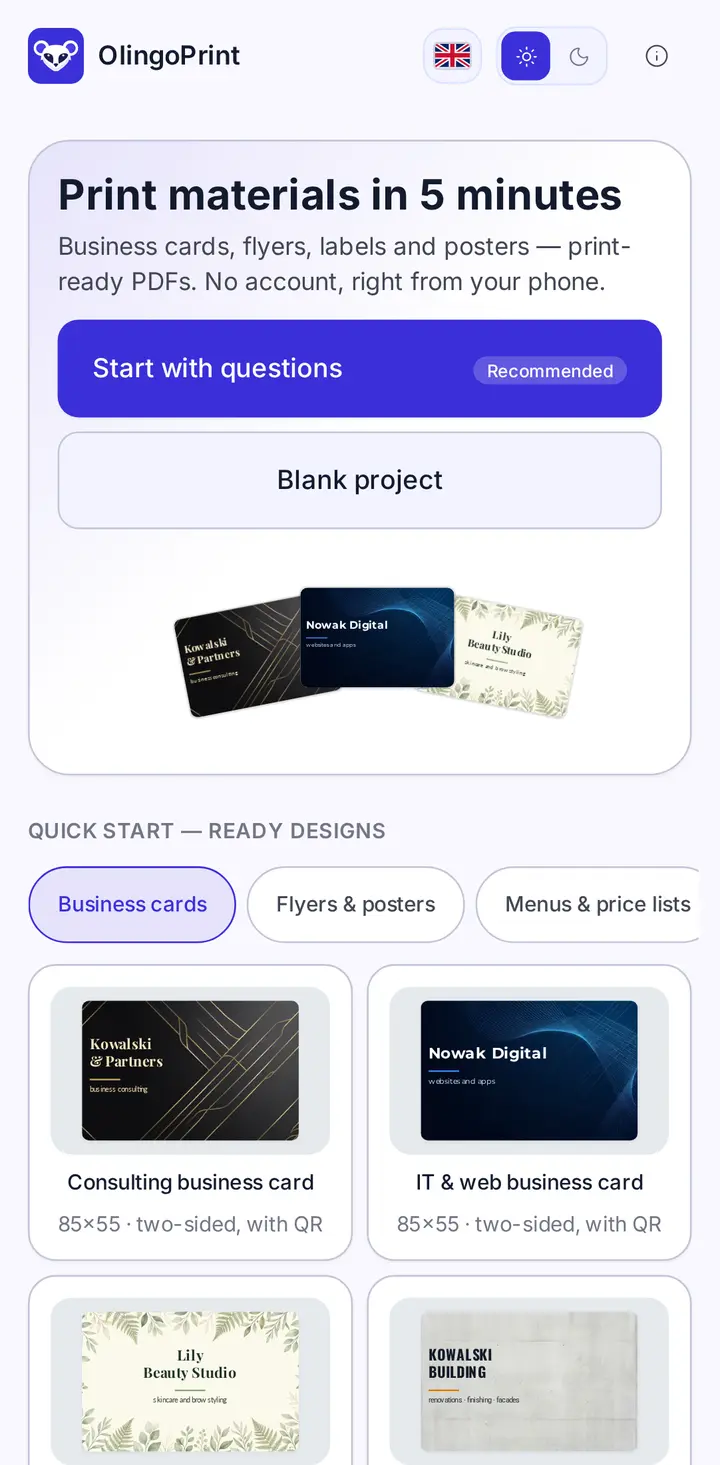
Everything a small business needs
From bakeries to yoga studios — files the print shop accepts without fixes.
PDF for the print shop
Bleed, crop marks, text converted to outlines. Or a 300 dpi PNG.
No account, offline
No sign-up. Design on the bus, without internet.
Templates for your trade
Ready business cards, flyers, menus and labels — just change the text.
Backgrounds and fonts included
83 backgrounds and 22 typefaces, all licensed for print.
QR code and logo
Add a QR code for your website or menu and place your own logo.
Your designs stay with you
Nothing is sent to a server. No ads, no tracking.
Three steps to a finished file
Pick a template
Or answer a few questions — the wizard lays out the design for you.
Add your details
Name, phone, address, photo. The preview updates as you type.
Download the PDF
Send it to a print shop or print it at a copy centre.
See the app
Real OlingoPrint screens.
Ready designs to start from 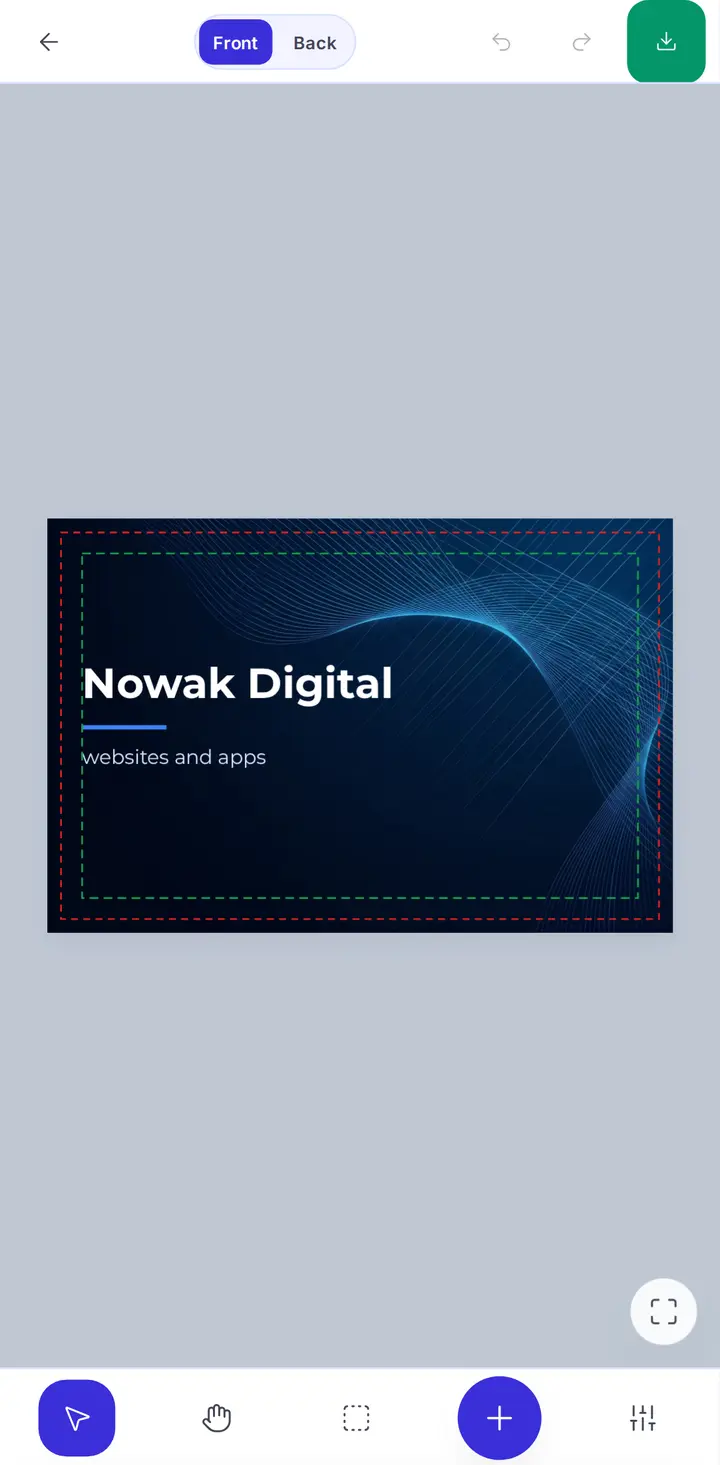
An editor made for phones 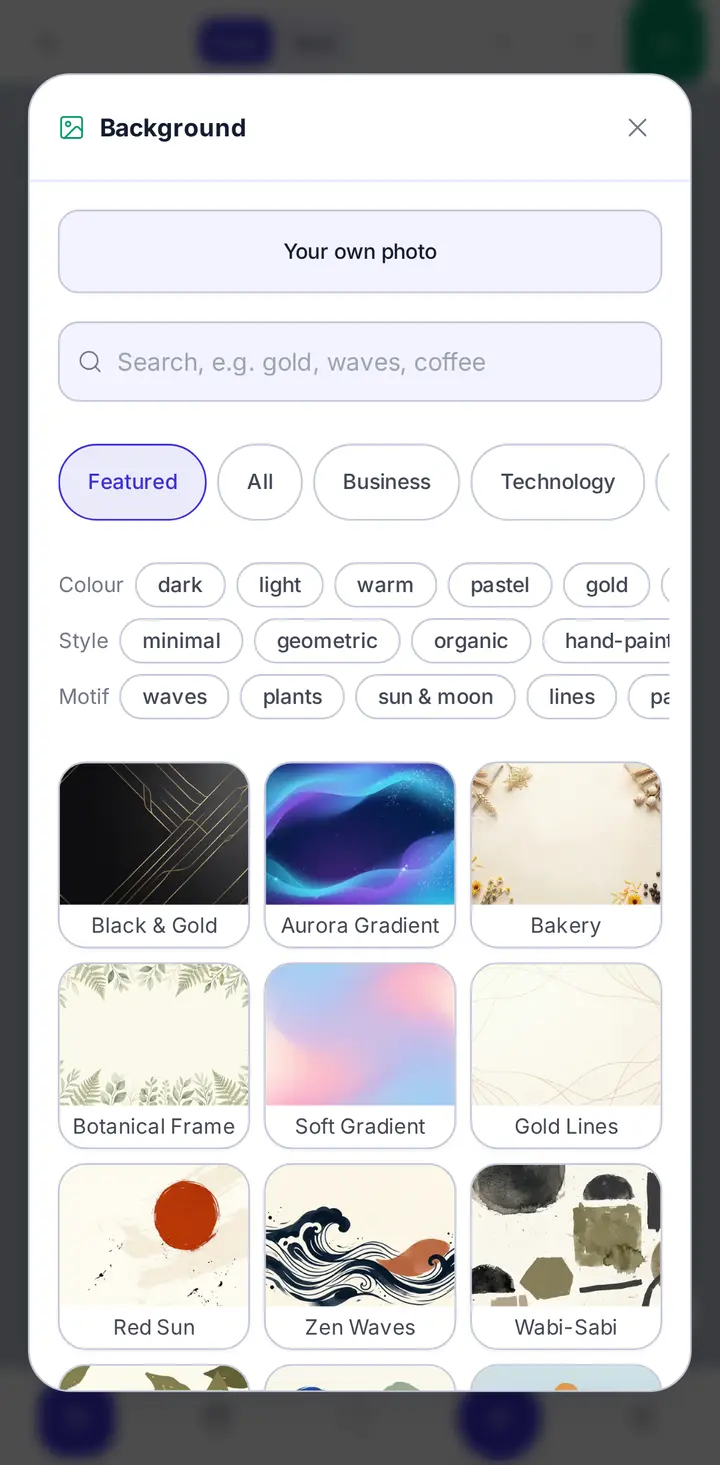
Background library 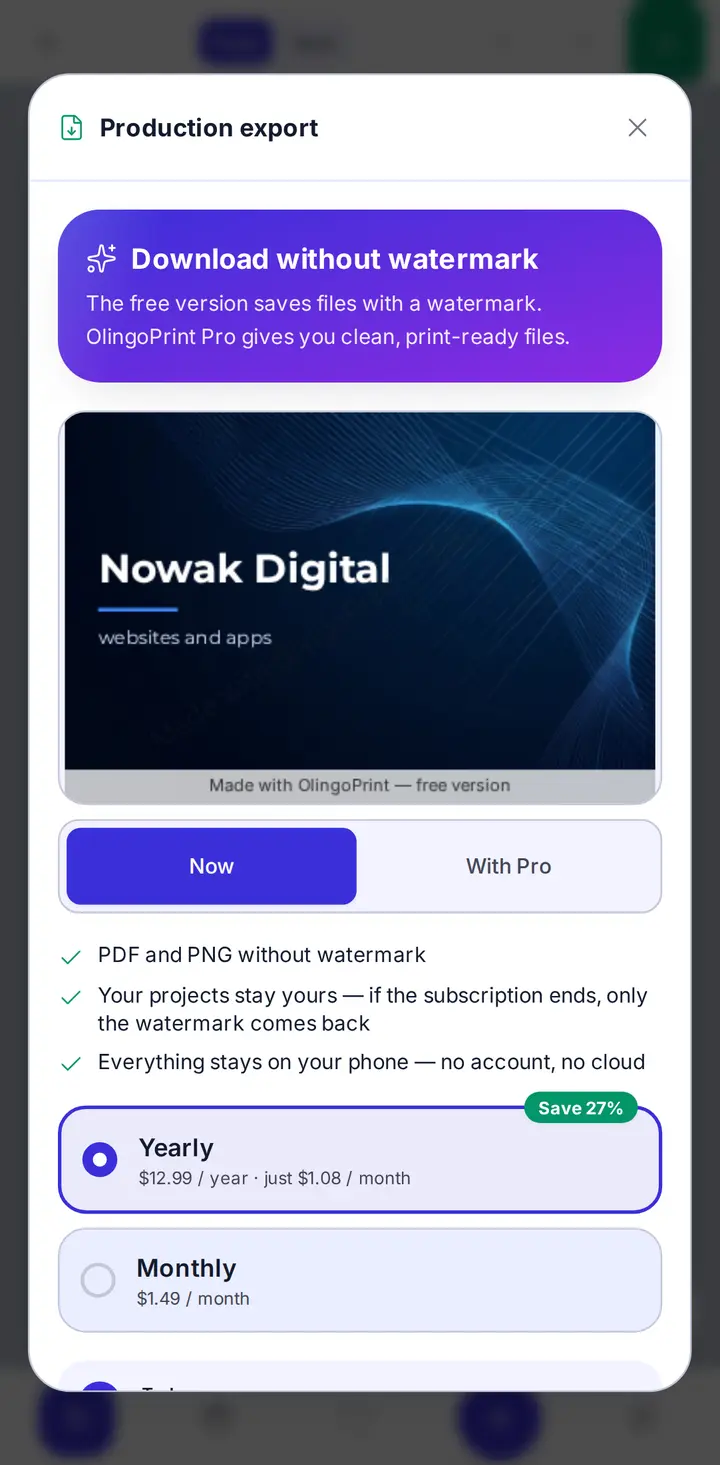
Pro: export without watermark
Free or Pro
Every feature is free. Pro only removes the watermark from exports.
Free
Free
The full editor, all templates, backgrounds and fonts.
- Unlimited designs
- PDF and PNG export
- Watermark on exports
Pro
No watermarkMonthly or yearly subscription in Google Play.
- Export without watermark
- Everything in Free
- Cancel anytime in Google Play
You will see prices in your currency in Google Play. When Pro ends your designs stay; only the watermark returns.
Frequently asked questions
Do I need an account?
No. The app works without an account and your designs are saved on your phone.
Does it work offline?
Yes. Designing and exporting work offline. You only need the internet to buy Pro.
Will any print shop accept the file?
The PDF has bleed, crop marks and text converted to outlines — the standard print shops ask for.
What does Pro add?
Only exports without the watermark. Every other feature is free.
How do I cancel?
In Google Play: Profile → Payments & subscriptions → Subscriptions → OlingoPrint → Cancel. Pro stays active until the paid period ends.
Which languages does the app speak?
21 languages, including English, Polish, German, Spanish and Ukrainian.
Your next business card is two minutes away
Get OlingoPrint and design it today.
Get it on Google Play